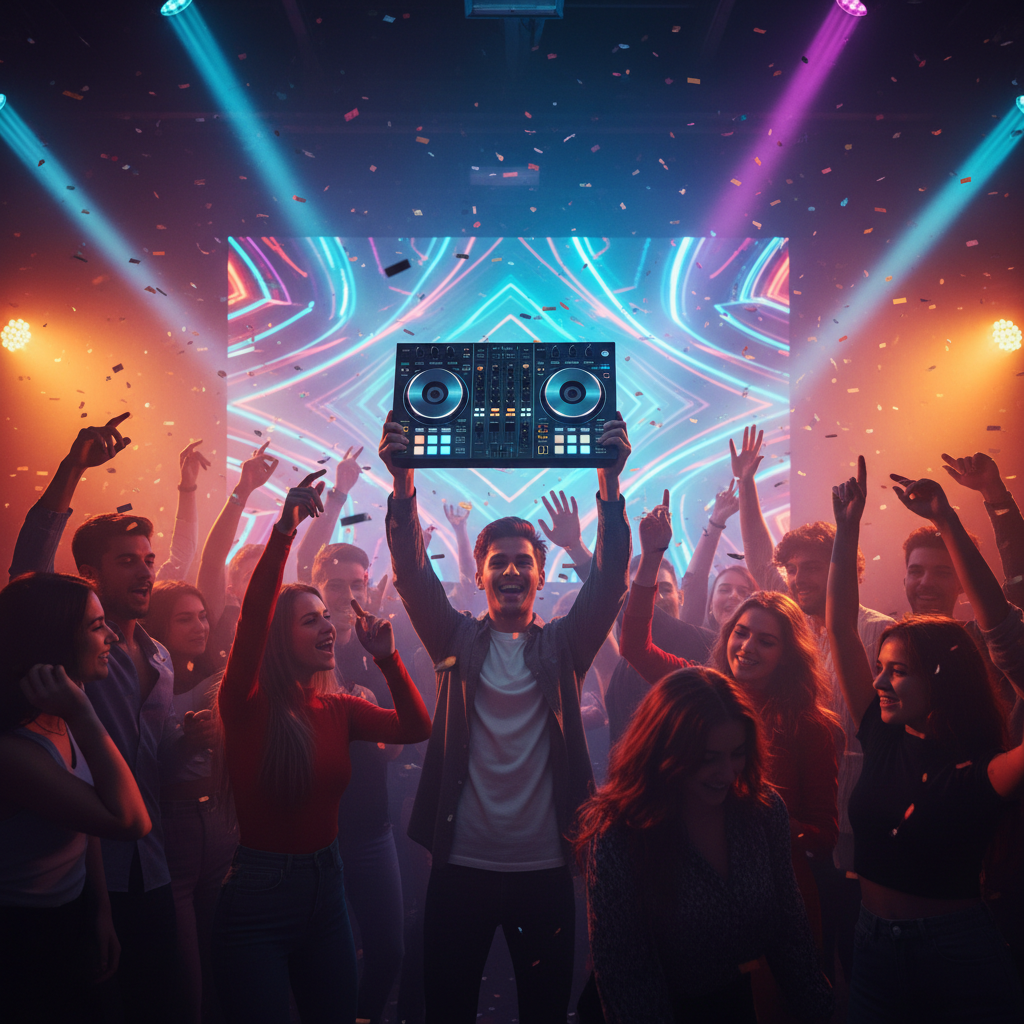
Dreaming of spinning tracks and getting a party moving, but feeling overwhelmed by the endless options in DJ gear? You’re not alone! For aspiring DJs, selecting the right first DJ controller can feel like navigating a complex maze. This guide is designed to demystify the process, helping you choose a controller that perfectly suits your budget, ambitions, and learning style, so you can confidently start your DJ journey.
Understanding Your Budget and Goals
Before diving into features, consider what you want from DJing and how much you’re willing to spend. Are you looking to casually mix at home, or do you envision playing at small gigs? Entry-level controllers range from under $100 to $300, offering essential functions for learning. Mid-range controllers (around $300-$700) provide more features and better build quality, suitable for more serious hobbyists. Professional-grade equipment easily exceeds $1000, but these are generally overkill for a beginner. A great real-life example is the Pioneer DJ DDJ-200, a fantastic budget-friendly option that even connects to your smartphone, perfect for absolute beginners curious about the craft without a huge financial commitment.
Key Features to Look For: It’s All About the Experience
When you’re staring at a sea of buttons and knobs, what truly matters? For a beginner, focus on three critical aspects: jog wheels, performance pads, and the included software.
Jog Wheels: These platters mimic turntables and are crucial for scratching, beatmatching, and cueing tracks. Look for jog wheels that feel responsive and have decent resistance. Smaller, plastic jogs might suffice for basic mixing, but larger, touch-sensitive ones offer a more satisfying and precise experience. Controllers like the Numark Mixtrack Pro FX boast larger jog wheels, providing a more professional feel than some of its competitors, enhancing your ability to manipulate tracks smoothly.
Performance Pads: These illuminated buttons add an exciting dimension to your mixes. They allow you to trigger samples, set hot cues (starting points in your track), loop sections, and add effects. More pads mean more creative possibilities. For instance, the Hercules DJControl Inpulse 500 features eight performance pads per deck, giving you ample room to experiment with different functions and develop your own style.
Included Software: Most controllers come bundled with DJ software. Rekordbox (Pioneer DJ), Serato DJ Lite/Pro, and Virtual DJ are common choices. Ensure the software is user-friendly and compatible with your computer’s operating system. Many entry-level controllers come with “Lite” versions, which offer basic functionality, and you can always upgrade later if you get serious. Compatibility is important – if you have a Mac, ensure the software supports it, and vice-versa for Windows. Some controllers, like the aforementioned DDJ-200, even integrate with mobile apps, broadening your platform options.
Connectivity and Ease of Use: Getting Started Right
Beyond the core features, consider how you’ll connect your controller and how easy it is to jump in and start mixing. Most controllers connect to your computer via a simple USB cable. But what about sound?
Audio Outputs: Look for a controller with a built-in audio interface. This means it has its own sound card, allowing you to connect speakers directly to the controller and headphones for monitoring your mix. This setup simplifies your audio routing significantly. Without a built-in audio interface, you’d need to purchase an external one, adding complexity and cost. A great practical tip: always check for a dedicated headphone jack and at least one main output (RCA or 1/4 inch jacks).
Setup Simplicity: For a beginner, “plug and play” is your best friend. Look for controllers that require minimal driver installation and integrate seamlessly with their bundled software. This allows you to spend less time troubleshooting and more time practicing your mixing skills. Reading user reviews often gives good insights into the ease of setup and use. Focus on controllers specifically marketed for beginners, as they are often designed with simpler interfaces and clearer instructions. For instance, many entry-level Pioneer DJ controllers are known for their intuitive layouts and straightforward setup processes, making them a popular choice for newcomers.
Choosing your first DJ controller is an exciting step into the world of music mixing. By focusing on your budget, understanding the core features like jog wheels and performance pads, and prioritizing easy connectivity, you’ll be well-equipped to make an informed decision. Don’t be afraid to start simple, experiment with your chosen gear, and most importantly, have fun creating your unique sound!